

.ipynb files), enabling AI-assisted editing with full cell-level context awareness. This feature was developed in collaboration with Amazon to bring AI coding assistance to data science workflows.
Getting Started
Jupyter notebook support is a built-in feature of Cline. To use it, you just need to have the Jupyter notebook extension enabled in VS Code. Once you open any.ipynb file, you’ll see AI-assisted buttons in your notebook interface.
How to Use
Generate Cell
Click the sparkle icon in the notebook toolbar to generate new cells with AI assistance.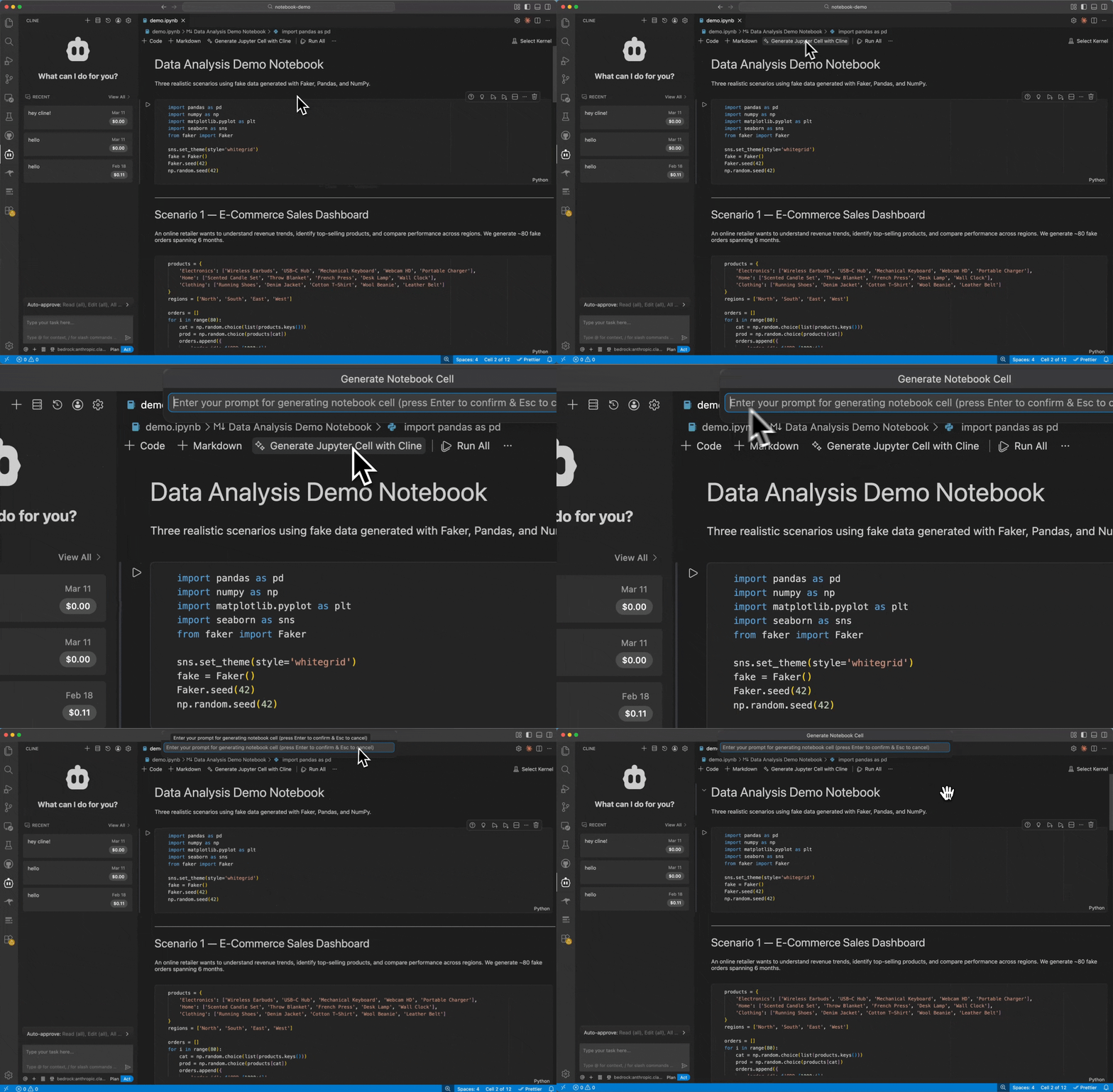
Explain Cell
Click the Explain button in any cell’s title bar to get a detailed explanation of what the cell does. This is useful for:- Revisiting old notebooks
- Onboarding to a teammate’s analysis
- Understanding complex transformations
Improve Cell
Click the Improve button in any cell’s title bar to enhance existing cells with AI suggestions.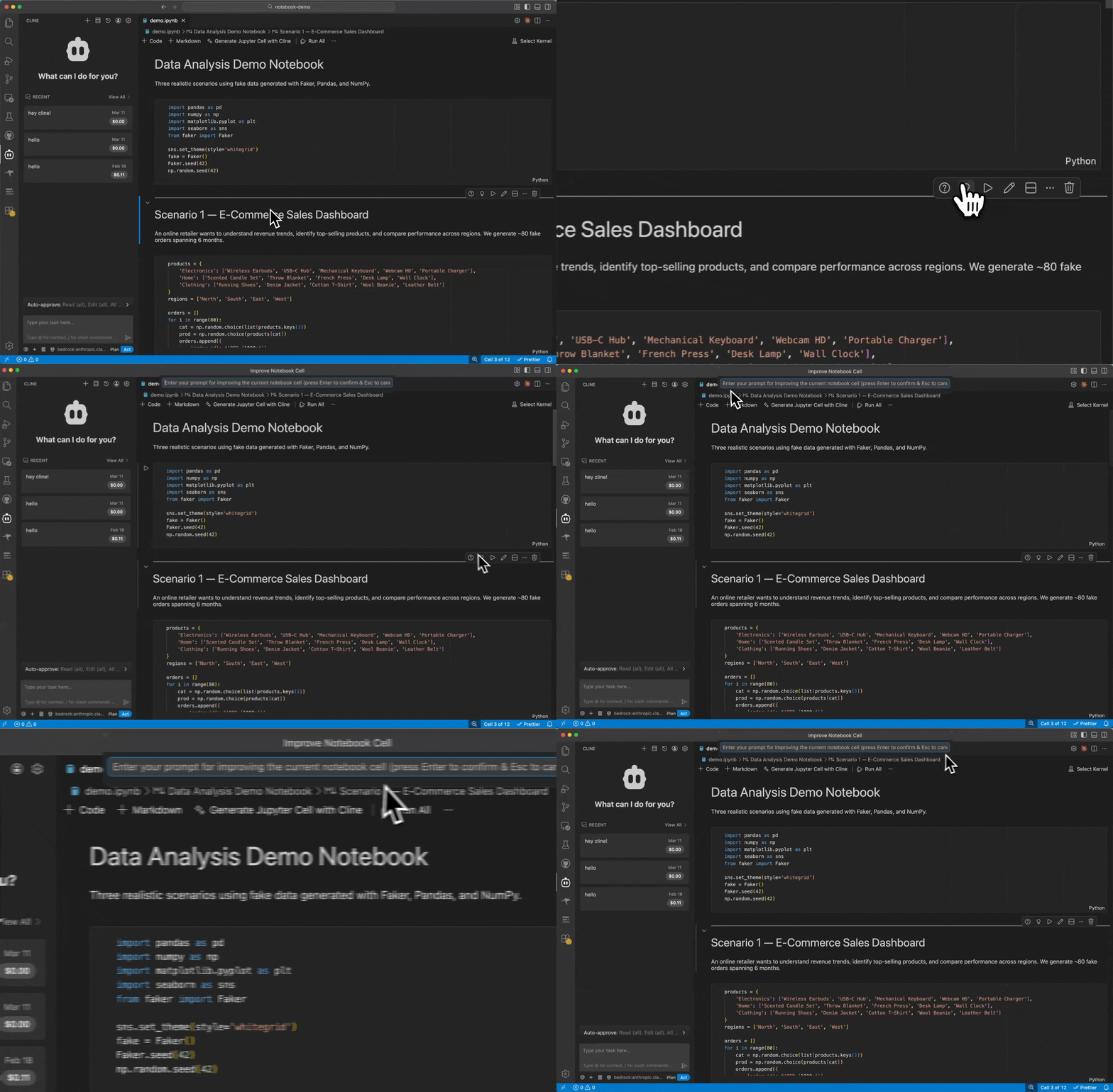
- Optimize slow pandas operations
- Add error handling
- Refactor for clarity
- Convert loops to vectorized operations
How Cell Context Works
Unlike traditional file editing, Jupyter notebooks are JSON documents containing arrays of cells. Each cell has its own type, source content, metadata, execution count, and outputs. When you use a Jupyter command, Cline extracts structured context that includes:- Cell type (code, markdown, or raw)
- Source content as an array of lines
- Cell metadata and configuration
- Execution count for code cells
- Outputs including data, text, and error traces
JSON Structure Preservation
Cline is designed to work carefully with the cell JSON structure, aiming to:- Keep cell boundaries intact
- Preserve execution counts
- Maintain cell metadata
- Keep outputs associated with their source cells
Keyboard Shortcuts
You can bind any of these commands to keyboard shortcuts for faster access:- Open VS Code keyboard shortcuts (Cmd/Ctrl + K, Cmd/Ctrl + S)
- Search for
cline.jupyterGenerateCell,cline.jupyterExplainCell, orcline.jupyterImproveCell - Assign your preferred key combinations
Tips for Best Results
For Generate Cell:- Be specific about what you want the cell to do
- Reference existing variables by name (the AI can see them)
- Mention preferred libraries if you have a preference (e.g., “use seaborn” or “use plotly”)
- Works best on cells that have been executed (outputs provide additional context)
- Good for complex chained operations like pandas groupby/merge sequences
- Mention what aspect you want to improve (performance, readability, error handling)
- The AI will explain the changes it suggests
Limitations
- Notebook support requires the Jupyter notebook extension to be enabled in VS Code
- Cell context extraction depends on VS Code’s notebook API
- Very large notebooks may require more context than some models can handle efficiently
Related
- All Cline Tools - Overview of all Cline tools
- Cline provider - Fastest way to get started with built-in provider setup