

Overview
Cline Enterprise integrates with your identity provider (IdP) via WorkOS AuthKit for SSO. This page describes, at a high level, how SSO is set up for Cline Enterprise using WorkOS AuthKit. If you haven’t completed initial onboarding, start with Onboarding.Video Walkthrough
Where setup happens
SSO setup spans two places:- Cline Dashboard (app.cline.bot)
- Where you sign in and verify SSO works for your organization.
- WorkOS dashboard
- Where your IdP connection is configured (AuthKit → Connections). Your designated admin receives access to this during enterprise onboarding.
Using the Cline Dashboard
Use the Cline Dashboard at https://app.cline.bot to:- complete sign-in and onboarding flows
- verify users can authenticate via SSO
Configure your IdP connection in WorkOS
During enterprise onboarding, your designated admin will receive an invitation email from WorkOS with a link to access your organization’s WorkOS dashboard.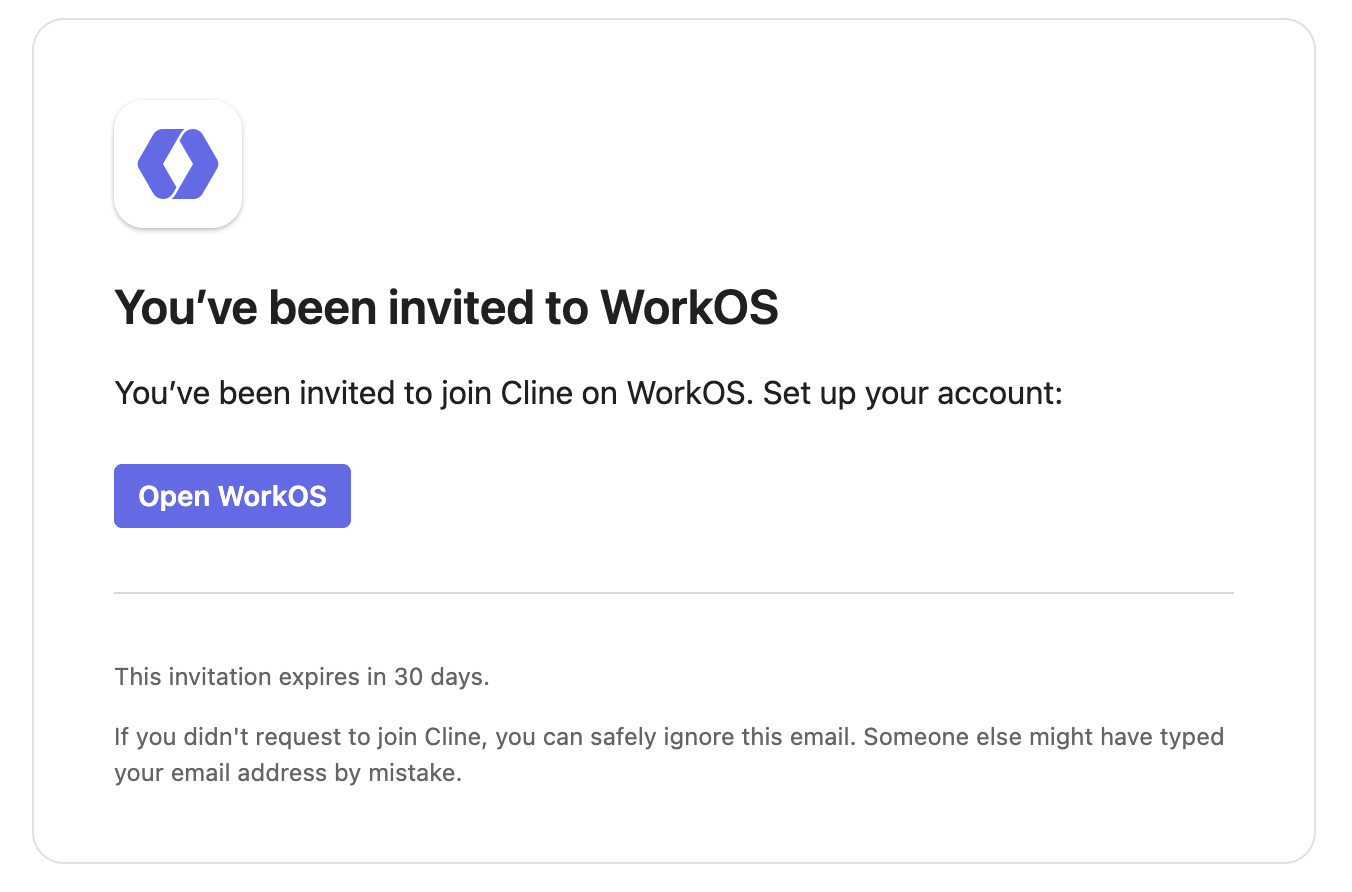
- In the WorkOS dashboard, go to AuthKit → Connections
- Click Add Connection
- Select your identity provider (e.g., Okta, Microsoft Entra ID/Azure AD, Google Workspace, Generic SAML/OIDC)
- Follow the provider-specific instructions in WorkOS
Keycloak note (IdP compatibility)
Cline Enterprise’s default SSO integration is via WorkOS. If you use Keycloak as your IdP, the supported path is to configure Keycloak in WorkOS as a Generic SAML or Generic OIDC provider (using the settings WorkOS requests for those provider types).Verification
After configuring WorkOS:- Attempt an SSO sign-in from https://app.cline.bot.
- Confirm the sign-in completes (you are redirected back successfully).
Troubleshooting
- Redirect URI mismatch: confirm the redirect/callback URL configured in WorkOS matches what was provided during your Cline Enterprise onboarding.